
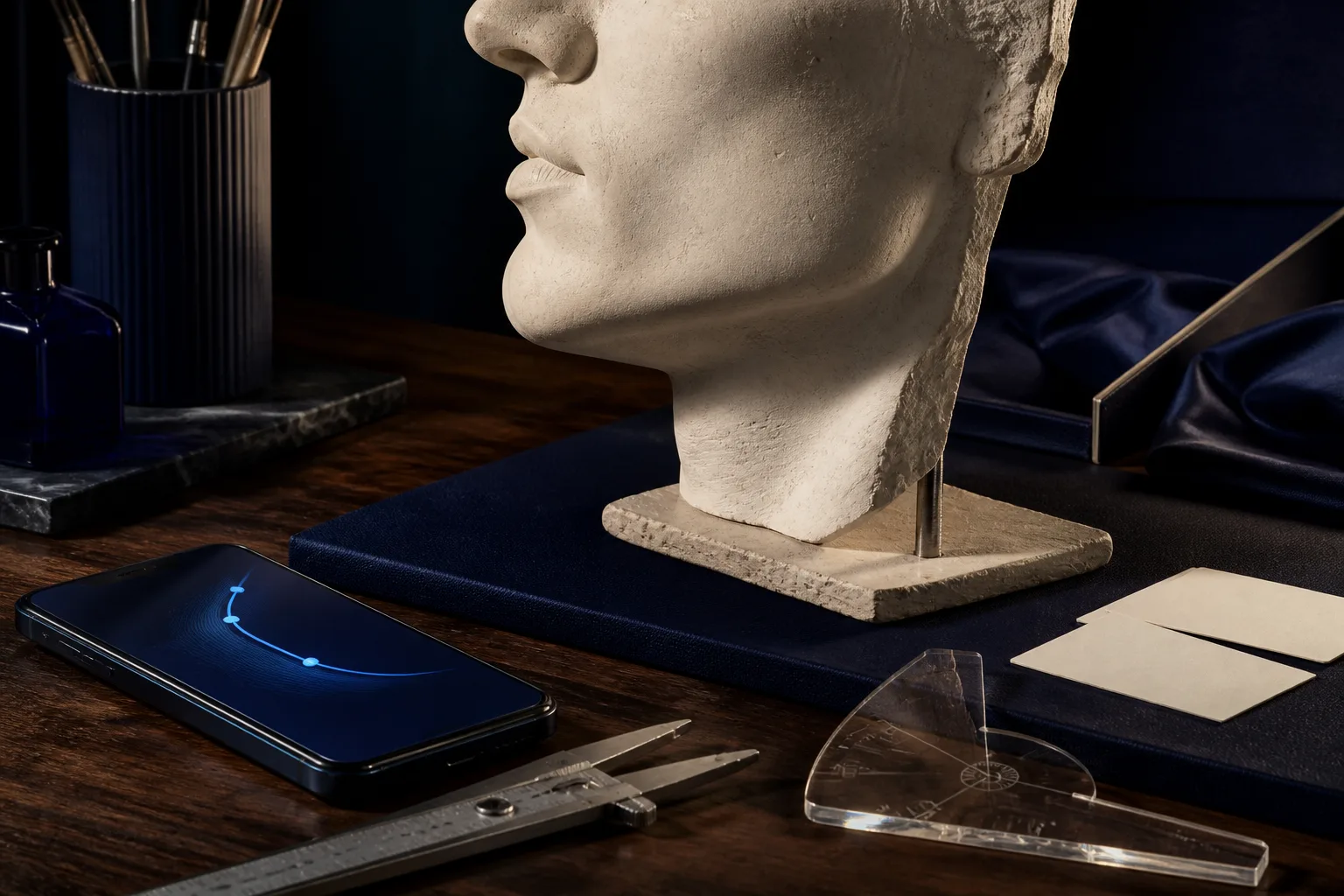
Searching for a free jawline analyzer usually begins with a simple question: what does your lower face look like in a neutral photo, and what should you improve first? A fast jawline score can create a starting point, but the useful result is the explanation behind it. You need to know whether the picture represents your chin and neck fairly, which visible relationships shape the impression and which actions can strengthen your complete presentation.
A good workflow combines front and profile views, separates stable proportions from camera effects and connects each observation with a practical choice. MogRise organizes that workflow as a LooksMax AI loop: create a clean baseline, read the FaceScore categories, select one high-impact priority, follow a clear plan and repeat the same photos after a focused period.
What a free jawline analyzer should actually show
The visible jawline is not one angle. It is the relationship between chin projection, mandibular width, cheekbone width, lower-third length and the transition from the jaw edge into the neck. A useful analyzer separates those components so you can see whether beard framing, neck presentation, posture or a better photo setup offers the clearest next move.
Look for reasoning beside the jawline score. The report should describe what appears in the front view, how the chin and neck connect in profile and which parts may have been influenced by lens distance, light or head position. That explanation gives the number a purpose and helps you decide whether a surprising result needs a new plan or simply a better source image.
MogRise places the lower face beside the rest of the FaceScore categories: hair, beard, skin presentation, eye area, posture, clothing and photo quality. JawMax then becomes one connected part of your personal Glow Up. A coordinated improvement to the full head-and-shoulders frame often creates more visible impact than chasing a tiny change inside one category.
- Read chin projection and lower-third balance separately
- Compare jaw width with cheekbones and temples
- Check the jaw-to-neck transition in profile
- Require a clear explanation beside the score
- Connect the result to controllable priorities
Take the right photos for a free jawline test
Place the phone at eye level and move far enough away to reduce wide-angle distortion. Use soft daylight from the front or a slight side angle, a simple background and a relaxed expression. Keep the head neutral instead of lifting the chin to create a stronger shadow. The hairline, ears, complete jaw edge and top of the neck should remain visible.
Begin with a straight front portrait. This view shows lower-face width, left-right balance and the relationship between the jaw and cheekbones. Add a true side profile without turning back toward the screen. The profile shows the chin-to-neck transition, the silhouette of the lower third and the influence of head and neck posture. The two views answer different questions and work best together.
Record the distance, camera height and light source. A tripod, shelf or small mark on the floor is enough to make the setup repeatable. A consistent baseline is more valuable than an unusually flattering selfie. When you reuse the lens, crop and expression later, the comparison can reveal grooming, posture and style changes instead of a new camera trick.
- Eye-level camera with enough distance
- Soft, even light and a plain background
- Relaxed mouth and neutral head position
- One straight front photo and one true profile
- Saved setup for the next progress check
Read chin projection, jaw width and neck definition together
Start with the front image. Compare the jaw width with the broadest part of the cheekbones and notice how the chin completes the center. Look at both sides without turning a small difference into the entire story; even a slight head rotation changes how much jaw surface is visible. The analyzer should describe the general frame and keep photo-dependent effects in context.
In profile, follow the line from chin to jaw edge and into the neck. Light from above can produce a hard shadow, while flatter front light can make the same contour appear softer. A forward head position shortens the visible neck and changes the angle again. If the result feels unexpected, repeat the photo in a neutral position before setting a new priority.
Next, rank each observation by impact and control. Stable proportions provide the starting frame, while beard contour, body composition, skin presentation, haircut, neck posture, clothing and light shape how that frame is seen. The strongest recommendation is usually the one you can apply consistently, maintain easily and verify with a clean second set of photos.
Separate real jawline progress from camera effects
A close selfie enlarges the center of the face and can change the apparent relationship between the chin and jaw sides. A low camera can emphasize the neck, while a high camera compresses the lower third. Hard side light draws a shadow edge that looks like added definition. Before accepting an unusual score, take a second control image with the neutral setup.
For every comparison, keep the lens, distance, crop, expression and clothing similar. Let the jaw relax and close the lips naturally without clenching. A loose pale collar frames the neck very differently from a fitted dark shirt. Controlling these variables prevents you from reading a new photograph as a new face and makes the improvement you are testing much easier to see.
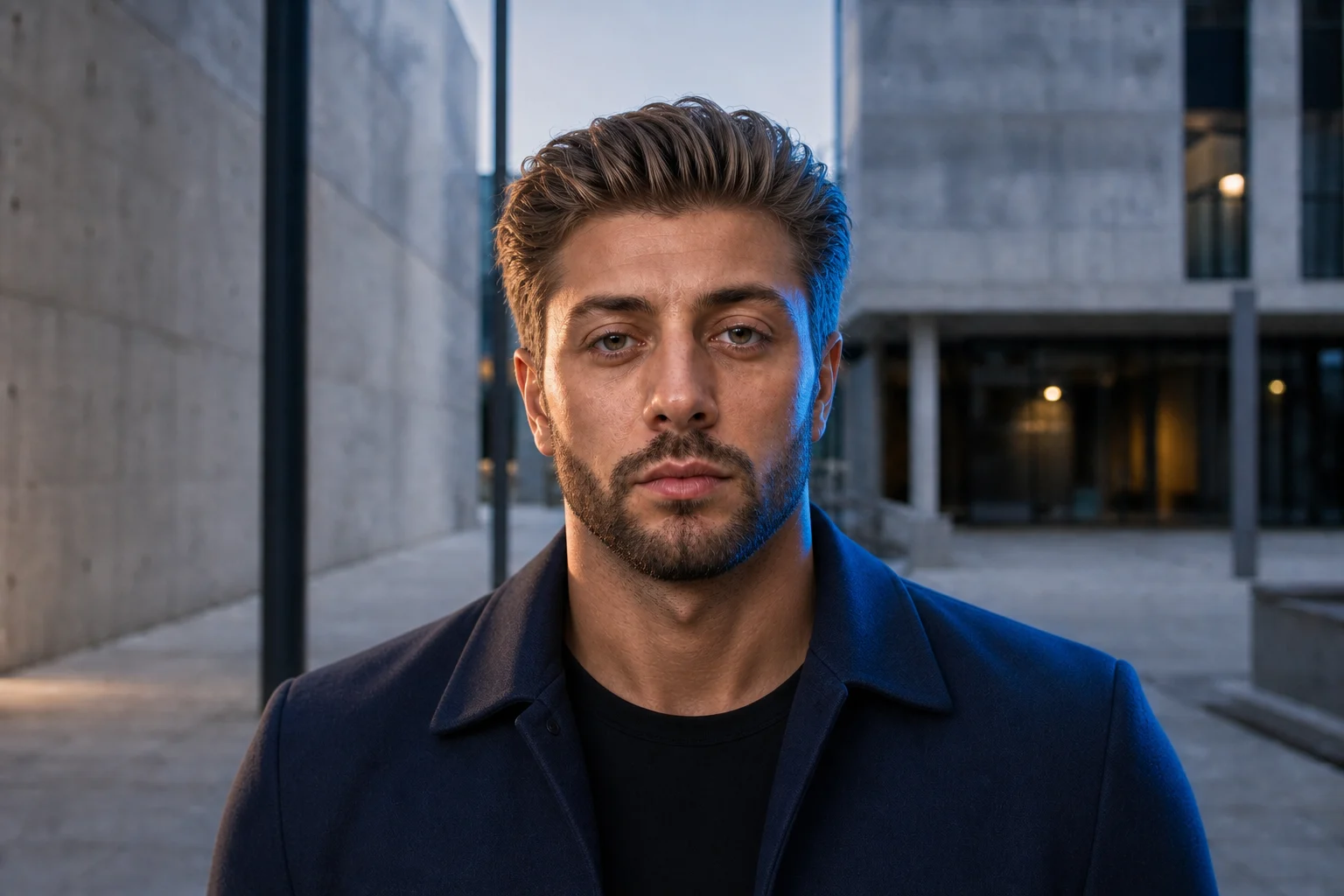
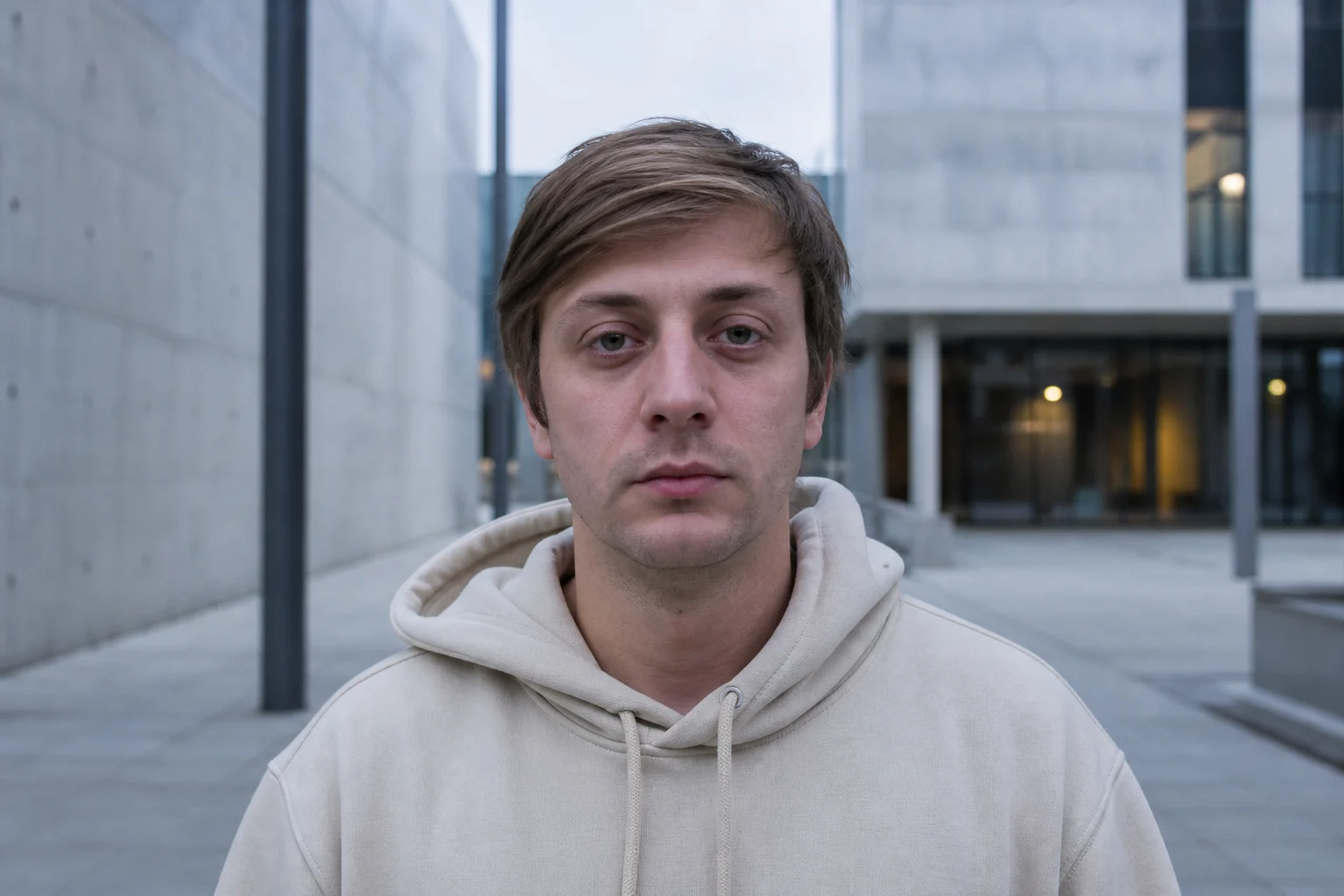
MogRise comparisons help you study the complete frame: premium high-volume hair, precise masculine stubble, a rested eye area, polished natural skin, upright posture, stronger-looking shoulders, fitted dark clothing and jaw-defining light. When identity, camera, crop and background stay aligned, the combined transformation becomes immediately clear instead of depending on one flattering angle.
A fair jawline comparison keeps the camera, distance, expression and light consistent, then changes only the priority you are testing.
Turn JawMax into a controllable grooming strategy
Begin with three genuinely different beard directions: clean-shaven, defined stubble and a short structured beard. A precise cheek line and intentional neckline can give the lower face a cleaner frame. Keep the neckline connected to the natural jaw and growth pattern rather than raising it so far that all the beard weight becomes a narrow strip directly under the chin.
Hair changes the jawline impression from above. Controlled height and suitable width around the temples can balance a longer face or a narrower lower third. Extremely tight sides with dramatic height emphasize the vertical axis, while a little more side texture can broaden the frame. Judge the haircut and beard together in the same head-and-shoulders view.
Finish the JawMax frame with posture and clothing. Lift the chest without stiffness, let the shoulders settle back and keep the head neutral over the torso. A fitted navy or black T-shirt gives the neck and shoulders a clear outline. These choices are visible, repeatable and easy to place inside a daily Glow Up plan without depending on a special photo angle.
- Compare clean-shaven, stubble and short beard directions
- Define cheek and neckline with precision
- Balance haircut height and temple width
- Keep the head neutral over relaxed shoulders
- Use fitted dark clothing to sharpen the frame
Build a 30-day plan from your jawline analysis
Choose one visible priority and one supporting routine. The priority could be a consistent stubble length, a new haircut direction or stronger everyday posture. The routine makes the change reliable: beard maintenance twice a week, five minutes of daily styling, a steadier sleep schedule or a fixed progress-photo session every Sunday.
Write the action precisely. Replace “improve my jawline” with “keep the beard at four millimeters, clean the neckline every third day and repeat front and profile photos on the final Sunday.” A measurable sentence gives the analysis direction. You know what is active, what stays unchanged and exactly when you will review the outcome.
After 30 days, reproduce the camera, light and clothing. Keep the change when it strengthens the full frame and fits naturally into your routine. Then choose the next opportunity from the MogRise report. This calm cycle of analysis, action and comparison turns one free jawline test into a structured progress system.
Use MogRise as a free jawline analyzer and personal plan
MogRise connects front and profile photos with LooksMax AI, FaceScore context and a structured PSL scale view. Instead of ending with one jawline number, it places the lower third beside hair, beard, skin, eye area, posture, clothing and photo quality. That broader picture helps you choose the opportunity with the strongest effect on your complete presentation.
The report leads into a personal Glow Up plan with clear priorities and repeatable comparisons. Use JawMax as a practical way to organize the jaw, neck and shoulder frame while keeping the full transformation in view. Strong hair, precise beard framing, rested eyes, polished skin, confident posture, fitted clothing and cinematic light work as one coordinated system.
MogRise is being prepared as a free download for iPhone and iPad. Selected features or usage levels may include optional in-app purchases or subscriptions. The App Store page and current terms will be linked when the listing becomes available. Until then, this guide gives you a clear framework for evaluating any free jawline analyzer and turning the result into action.
- Connect front and profile analysis
- Use FaceScore and PSL scale as context
- Select one controllable priority
- Compare progress under matched conditions
- Check the App Store link after release