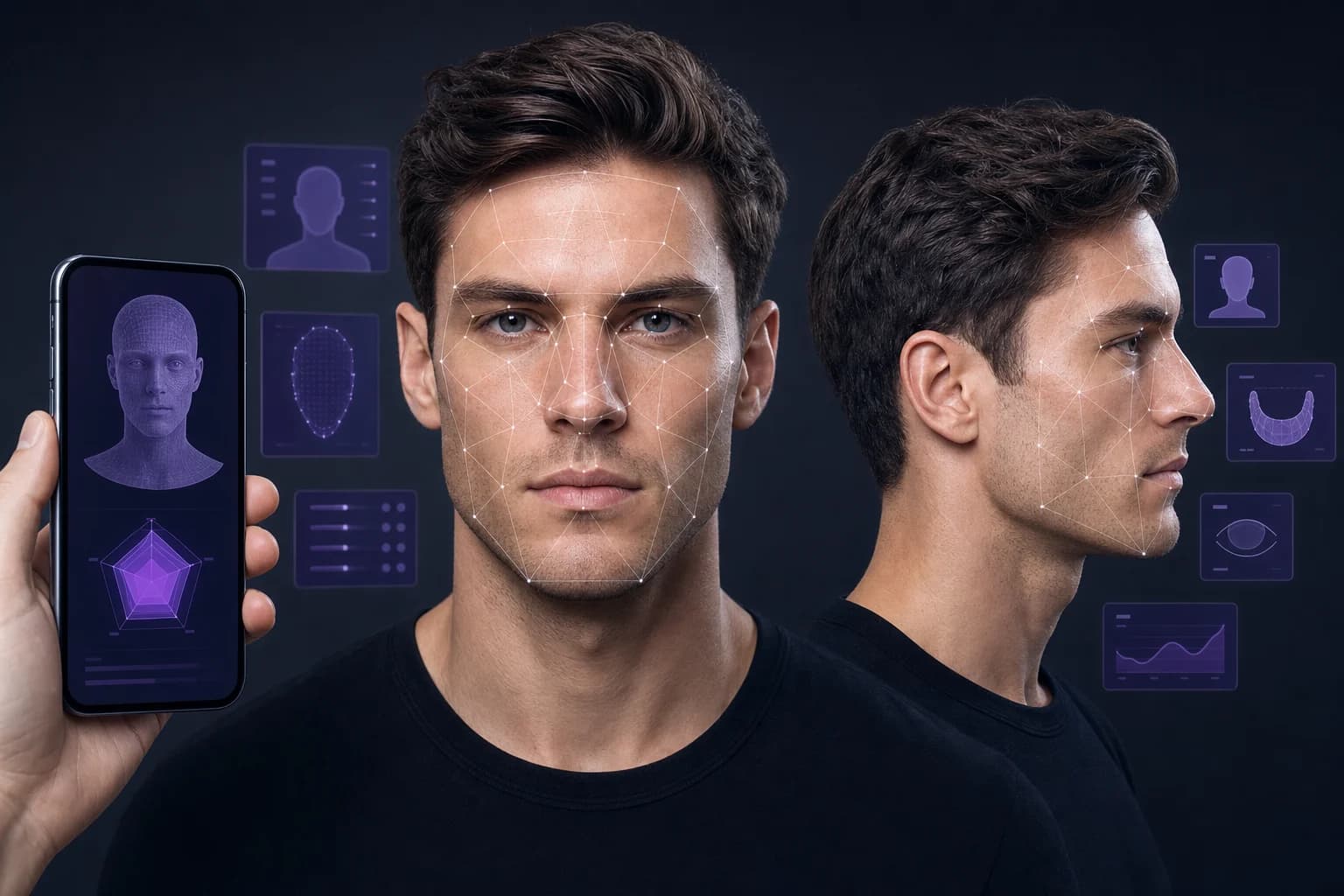
Independent selection guide
LooksLab, FaceKit and UMAC: How to Compare AI Looks Apps
Compare LooksLab, FaceKit, UMAC and true-potential apps by analysis quality, privacy, realistic recommendations and follow-through.
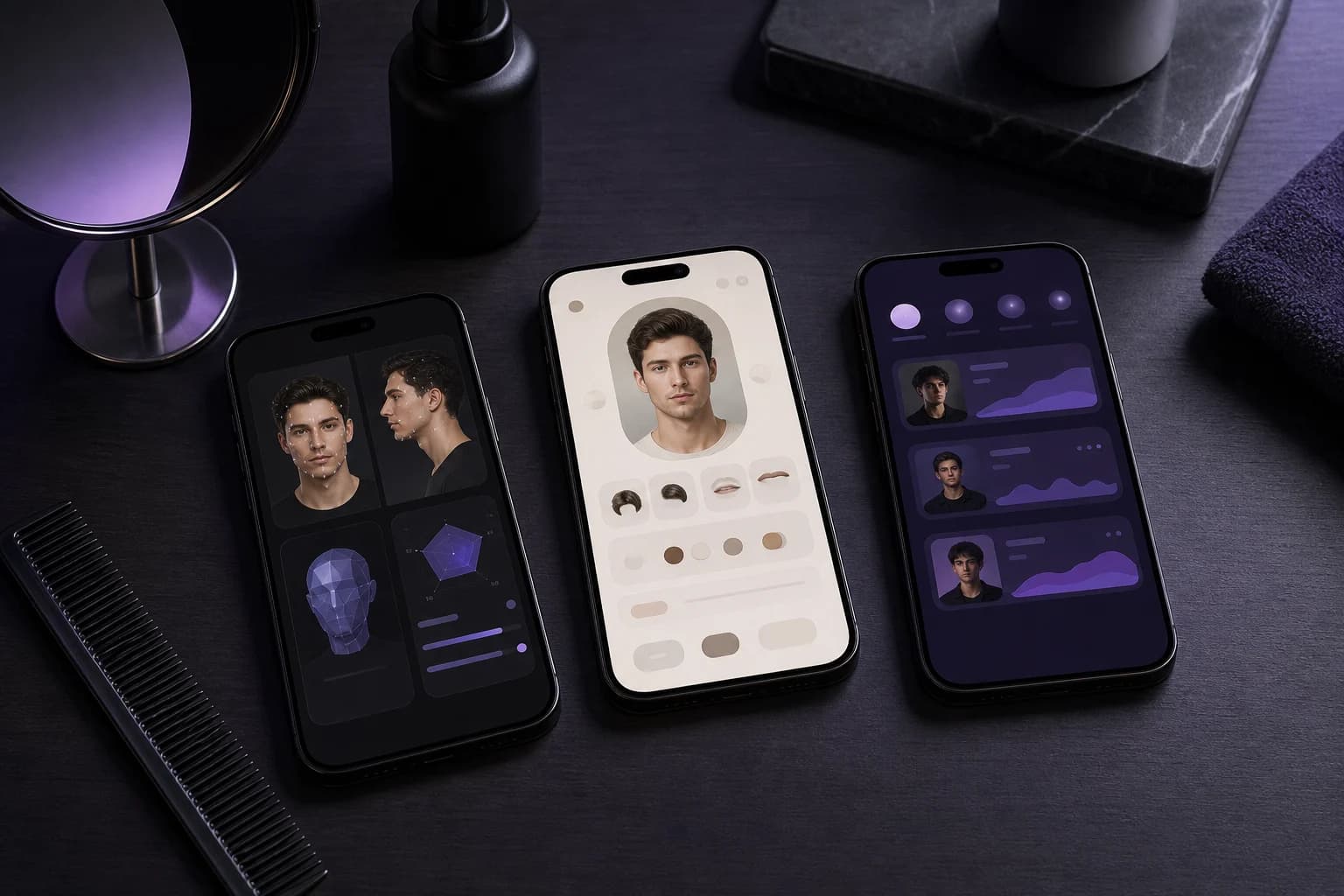
Searches for LooksLab, FaceKit or UMAC often point to the same intent: find an AI tool that reveals your true potential and turns a face scan into a useful improvement plan. Product names alone do not show how good that workflow is.
Compare the complete journey—from capture and analysis to privacy, prioritization and progress tracking. A smaller transparent report can be more useful than a large dashboard with unexplained scores.
What the search terms mean
This is an independent category guide, not a review or endorsement of one specific third-party product. MogRise does not claim affiliation with LooksLab, FaceKit, UMAC or other brands that may be associated with these search terms.
A practical framework
Compare capture quality
Prefer tools that request both front and profile views, give camera guidance and reject unusable images instead of producing confident output from anything.
Compare the toolkit
A complete FaceKit-style workflow should separate face shape, profile, skin presentation, hair, beard and style. Each module should explain why a recommendation may help.
Compare privacy and progress
Read how photos are handled, whether deletion is available and whether the result becomes a practical routine with repeatable check-ins rather than a static score.
How to interpret the result
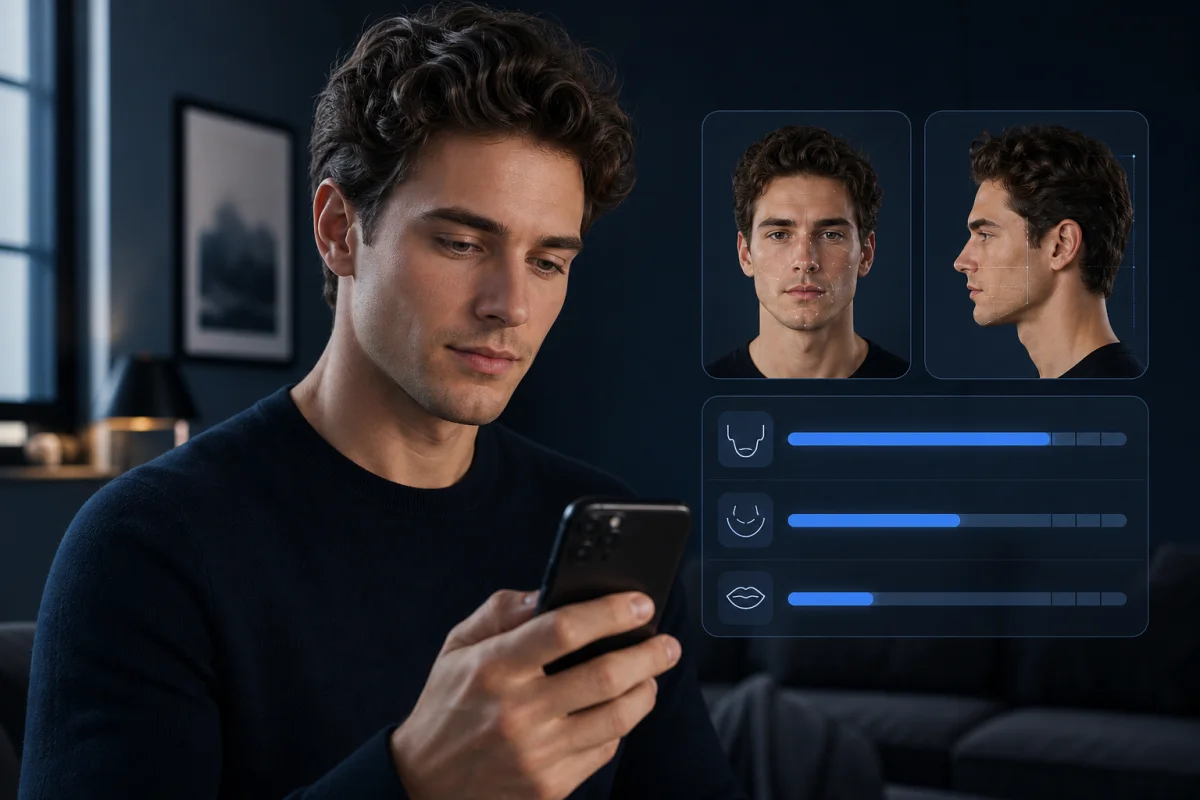
Separate the rating from the analysis
A rating is an output; an analysis should explain the inputs behind it. Check whether the app identifies specific patterns across front and profile views and whether its recommendations still make sense when the score is hidden.
Read the photo policy before uploading
Facial images are sensitive. Look for plain-language answers about storage, model training, deletion, account removal and third-party processors before granting access to your portrait library.
Calculate the real value
Compare what remains after the first scan: a usable report, personalized priorities, previews, coaching, progress tracking and clear subscription controls. Novelty alone rarely supports a recurring price.
Your practical action plan
Test the capture flow
See whether the app helps you create consistent front and profile inputs instead of accepting any selfie.
Audit one recommendation
Ask whether it names the observed pattern, intended effect, effort, timeframe and meaningful limitation.
Check privacy and billing
Find photo-deletion controls, data-use language, trial terms, renewal price and cancellation steps before subscribing.
Choose the calmer product
Prefer the app that gives you focused decisions and realistic follow-through over one that relies on anxiety or exaggerated transformation claims.

Quality checklist
- Clear developer, pricing and privacy information
- Transparent front and profile photo requirements
- No guaranteed true-potential or attractiveness claims
- Prioritized action plan and progress tracking
Limits and safety
Do not upload sensitive portraits to a service before reading its privacy information. Face-analysis software is not a medical or psychological assessment and should not pressure users toward procedures.
Sources and further reading
Bottom line
Choose by evidence, not the app name: understandable analysis, safe photo handling, realistic recommendations and a plan that improves decisions rather than anxiety.