
A free face symmetry test can answer a specific question quickly: how evenly do visible landmarks on the left and right sides of one photo line up around a central axis? The test becomes much more useful when the photo is controlled. Camera distance, head turn, uneven light, hair coverage and expression can create apparent differences before the analyzer measures anything.
MogRise places symmetry inside a wider LooksMax AI workflow. A clean front view shows left-right balance, while a true profile adds jawline, chin, neck and posture context. The report then connects those observations with FaceScore and PSL scale categories, controllable appearance priorities and repeatable progress photos. You leave with a direction, not just a number on a screen.
What a free face symmetry test actually compares
Most face symmetry checkers begin by detecting visible points around the eyes, eyebrows, nose, mouth, jaw and outer facial contour. The system estimates a vertical midline, pairs corresponding points and compares their position, height or distance from that line. Some tools show a single score; stronger ones also show which region produced the difference and whether the photo quality is strong enough to read.
The result belongs to that photograph. A small change in head rotation can make one eye appear narrower, move the nose away from the estimated center and change the visible width of the jaw. A raised eyebrow or one-sided smile changes the comparison again. That is why the best first question is not whether a score is high, but whether the input represents your neutral face accurately.
Use the test as a map of visible relationships. An eye-level difference may point to expression, hair or camera tilt. A jaw difference may come from head turn, beard boundaries or posture. When the same pattern remains visible in several well-matched photos, it becomes a useful detail to consider alongside the complete face, haircut, grooming and presentation.
- Look for region-level explanations as well as a total score
- Check pose quality before reading the symmetry result
- Compare the same neutral expression more than once
- Keep the complete face and overall presentation in view
Take the right photo for an AI face symmetry test
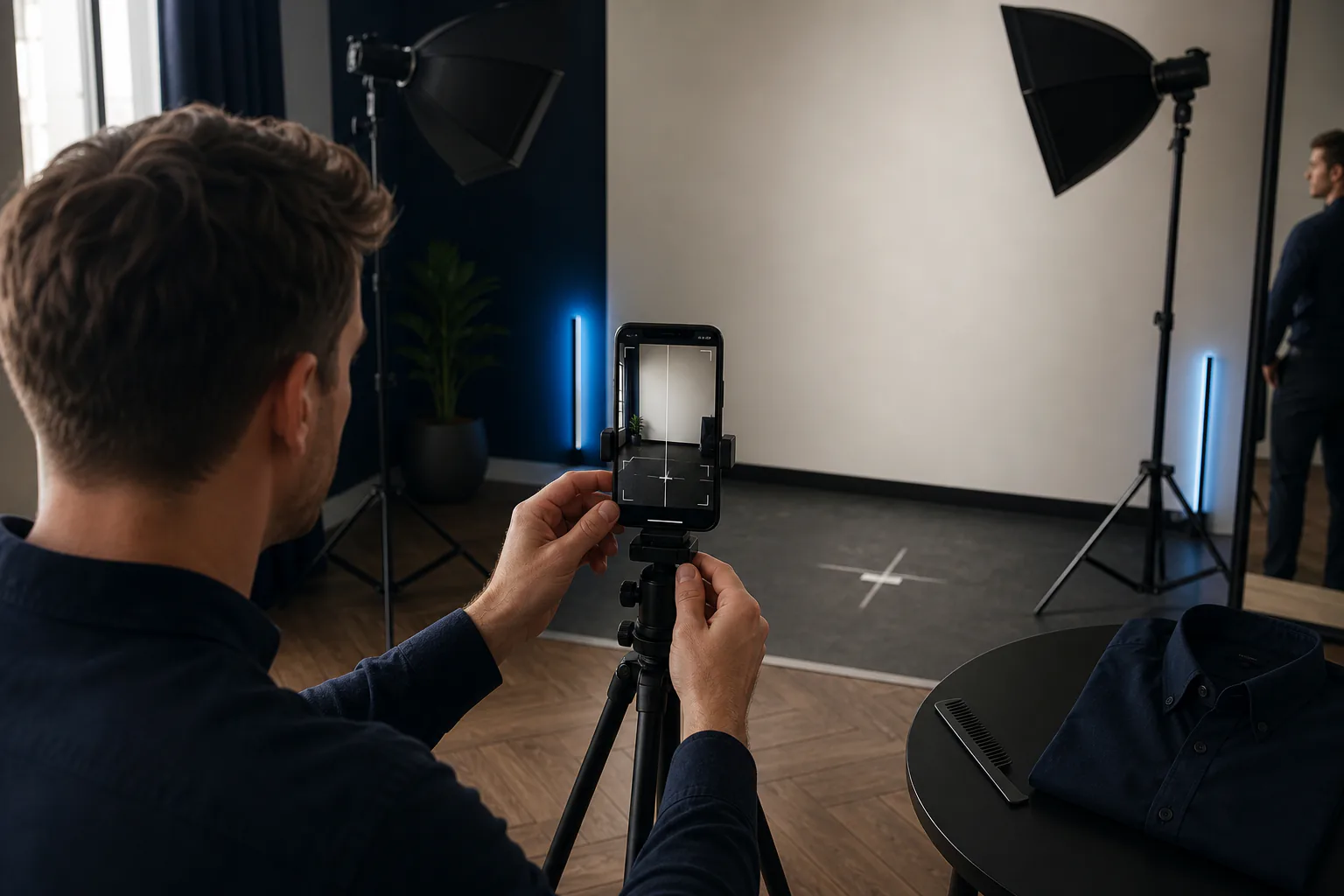
Place the phone at eye level and use a tripod, shelf or stable stand. Step back far enough that the camera is not close to the nose, then crop the image afterward if needed. Keep the lens centered on the face, shoulders level and head in a natural upright position. Both ears should be similarly visible, and the chin should not be lifted or pressed down.
Choose soft light that reaches both sides of the face. A large window in front of you or two balanced lamps works better than one harsh side light. Remove sunglasses and hats, move loose hair away from the outer contour and keep the complete jaw visible. Use a relaxed closed-mouth expression, because a broad smile lifts the cheeks and mouth corners differently from side to side.
Take three photos without changing the setup. Review them at full size and select the frame with the straightest gaze, clearest outline and least motion blur. If the result changes dramatically between nearly identical frames, improve the input before drawing a conclusion. This short quality check makes a free facial analysis more informative than repeatedly uploading random selfies.
- Phone at eye level on a stable support
- Enough distance for natural facial proportions
- Even frontal light with no strong side shadow
- Neutral expression and visible facial outline
- Three matched frames before choosing the best one
Use front and profile photos for complete facial analysis
Symmetry is primarily a front-view question, but a front photo cannot explain every visible relationship. It compresses chin projection, jaw depth, neck position and nose profile into a flat image. A true side profile adds that missing structure and shows whether a lower-face observation comes from facial proportions, head position, beard volume or the way the camera was held.
MogRise uses front and profile photos as one connected baseline. The front view can organize symmetry, apparent facial balance, eye area and width relationships. The profile adds the silhouette of the forehead, nose, lips, chin, jaw and neck. Looking at both prevents one left-right metric from becoming the entire facial analysis.
Capture the profile with the same lighting, camera height and distance. Turn the whole body or head exactly to the side without lifting the chin to create a stronger jawline. Keep the far eye hidden behind the near side as closely as possible. The aim is a consistent second view that explains the front result and supports practical decisions.
How to read your face symmetry score by region
Start with the visual overlay or category breakdown. For the eye area, compare brow height, eyelid opening and how expression affects both sides. Around the nose and mouth, check whether the head is centered before treating a shifted landmark as a stable pattern. At the jaw, look at the complete outer contour, beard line and neck posture rather than one point close to the chin.
Next, compare magnitude and consistency. A small regional difference that appears only in one frame is a low priority. A clear pattern visible in all three matched photos deserves a closer look, especially when it affects hair framing, beard balance or the way you position your head in photos. The most useful result identifies where to look next without turning every millimeter into a separate project.
Finally, connect the score to the whole impression. Strong hair shape, clear facial-hair boundaries, rested eye presentation, even skin presentation and upright posture can make the face read more balanced as a complete image. MogRise helps rank those controllable moves beside FaceScore and PSL scale context, so you can choose the changes with the widest visual reach.

Remove camera and expression noise before comparing results
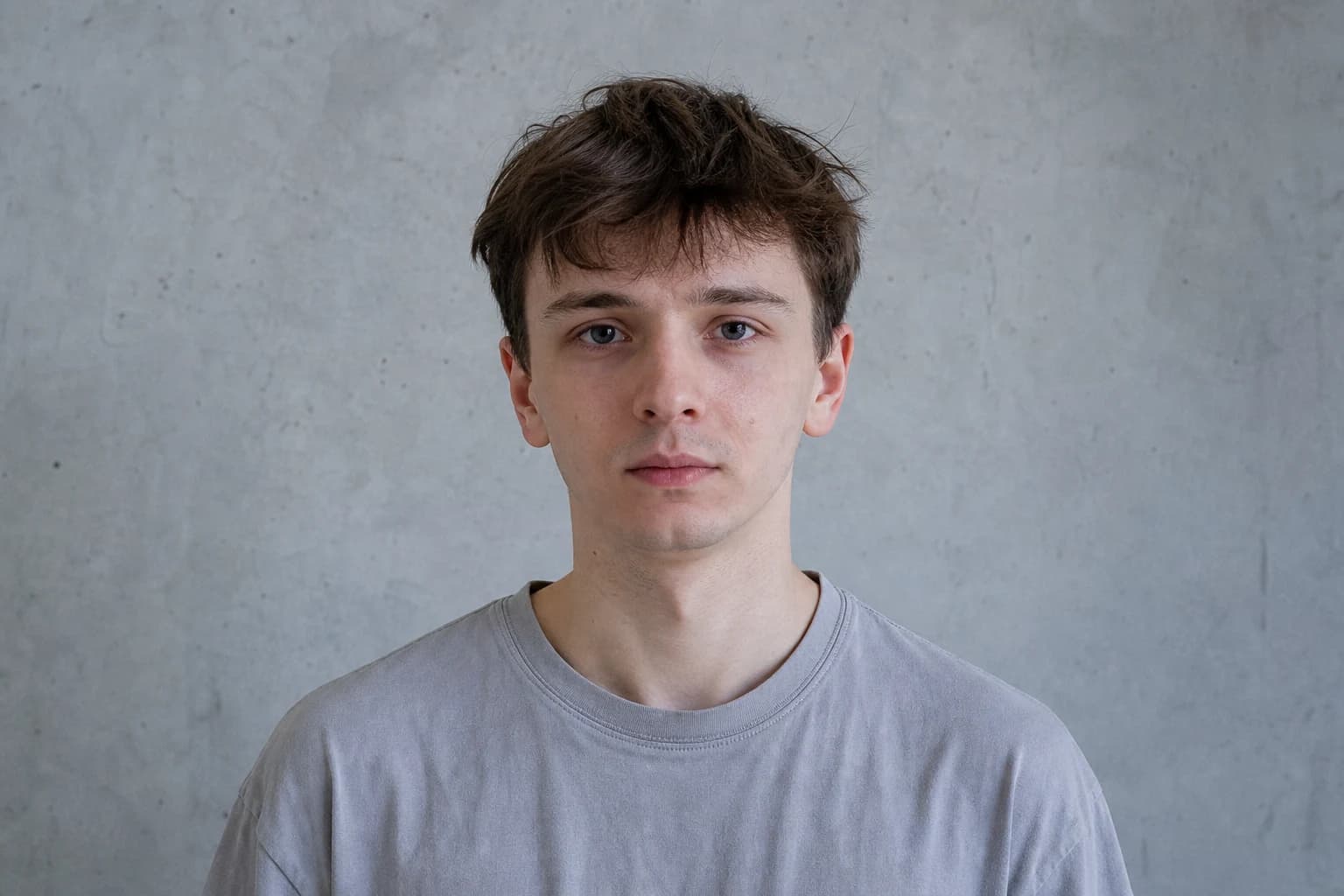
A close phone camera exaggerates the center of the face and reduces the apparent size of features farther from the lens. Move back and use a normal camera view rather than an ultra-wide setting. Keep the face near the center of the frame, since placing it close to an edge can stretch one side. These changes improve both symmetry checks and ordinary progress photos.
Head roll, yaw and pitch create three different errors. Roll makes the eyes appear to sit at different heights. Yaw shows more of one cheek and ear while narrowing the other side. Pitch changes eyelid exposure, nose length and the relationship between jaw and neck. Use the phone grid and the line between the pupils as quick checks before taking the frame.
Expression adds another layer. Relax the brow, unclench the jaw and let both lips meet naturally. Take a breath, settle the shoulders and look directly at the lens rather than at your own screen preview. When you repeat the test later, reuse the same setup. Matched conditions let the comparison show grooming or presentation changes instead of a new camera angle.
- Step back instead of using an extreme wide lens
- Center the face and keep the eye line level
- Avoid turning, tilting or lifting the head
- Repeat the same relaxed expression
Turn symmetry observations into practical LooksMax actions
Begin with framing. If hair falls heavily across one side, test a part, fringe or styling direction that reveals the outline more evenly. If a beard creates different cheek or neckline heights, establish repeatable trimming landmarks and check them from a normal distance. These are fast, reversible changes that can clean up the visible frame without trying to alter the face itself.
Then review the eye area, skin presentation and posture. A consistent sleep schedule, a simple grooming routine and balanced light can make tiredness, shine or shadow less dominant in the photo. Level shoulders and a neutral head position keep the jaw and neck readable. Fitted dark clothing creates a clean shoulder frame and helps the face remain the visual focus.
Choose one primary action and one supporting action for the next two weeks. You might pair a more balanced hairstyle with repeatable photo posture, or beard-line cleanup with a simpler morning grooming routine. Save the exact starting setup and compare again only after the chosen actions have had enough time to become visible.
Build a MogRise plan from your free face symmetry test
Start by saving the selected front photo and its matching profile as your baseline. In MogRise, read the symmetry observation beside jawline, eye area, hair, beard potential, skin presentation and overall presence. The category connections matter because the most visible improvement may come from the frame around a feature rather than from the feature that attracted your attention first.
Use the personal Glow Up plan to order the work. Put a quick photo correction or grooming boundary first, a repeatable hair or skin-presentation routine second and a longer posture or physique goal later. Daily actions keep the plan moving, while style previews help you compare broader hair and beard directions before making a real-world change.
Repeat the front and profile photos after the planned review period. Match the light, phone position, distance, clothing and expression, then compare the complete presentation. Keep the changes that produce a clearer frame, record what you did and move to the next high-impact priority. This is how a free face symmetry test becomes an active LooksMax workflow instead of a one-time score.
- Save one clean front-and-profile baseline
- Read symmetry beside the full FaceScore breakdown
- Rank quick framing wins before longer projects
- Use daily actions and style previews deliberately
- Repeat matched photos and update the plan